Cart
Your shopping cart is empty!
It's never too late to make things right :)




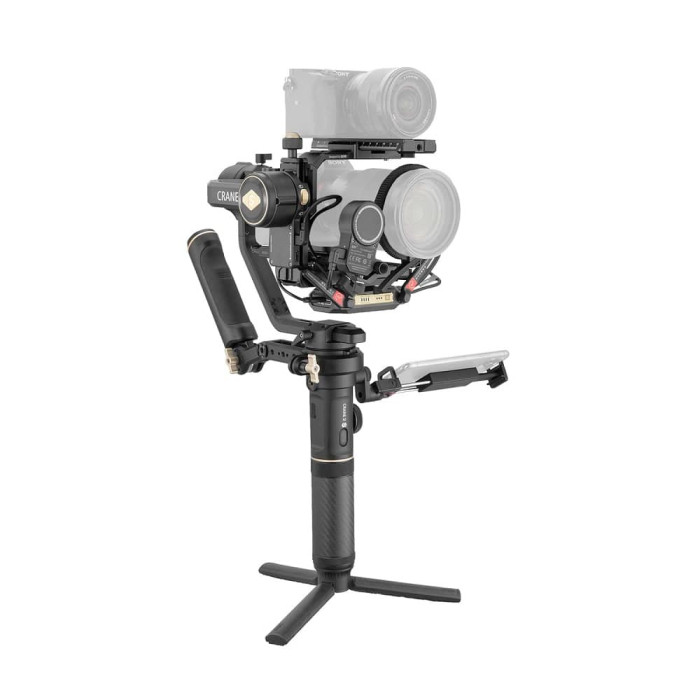
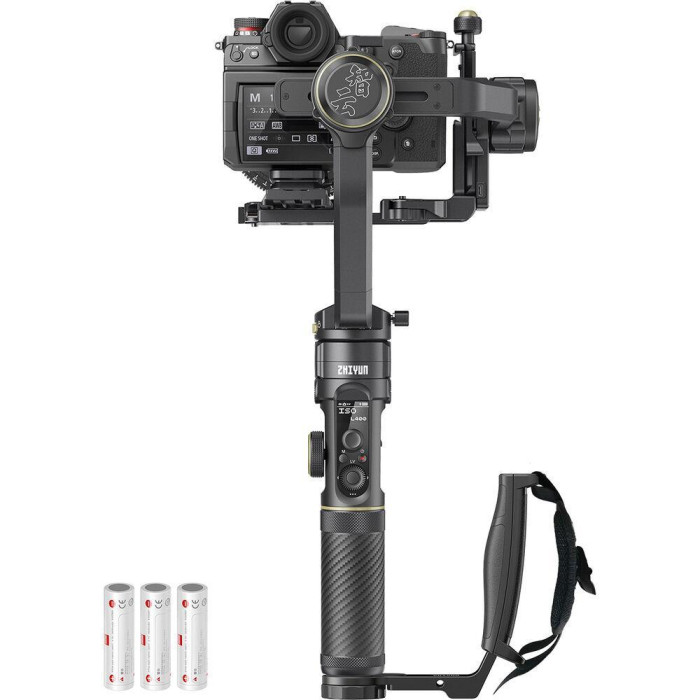


TransMount 2.0 transmitter with three cables included, one 2.0 focus drive, smartphone holder and TransMount DualCam camera mount.
Thanks to the holder, the camera can be held and controlled with two hands, working in gimbal mode, thereby making work easier. The handle has threads for accessories. The position of the handle can be adjusted by loosening the screw and setting the handle to the desired position. The holder attaches to the handle of the Crane 2S Pro stabilizer above the accessory thread.
Trans Mount Image Transmitter 2.0 is powered by a built-in battery. Before first use, the transmitter must be charged for activation and maximum performance.
To activate the transmitter, download the ZY Play application to your smartphone.
The transmitter is attached to the bottom of the main camera platform. Please note that the maximum rotation angle of the antennas is 270°. To connect the camera and transmitter, use a USB Type-C cable that matches the brand of your camera.
The holder is attached to the stabilizer handle using a 1/4 inch thread. The angle of the holder is adjustable to suit the user's needs.
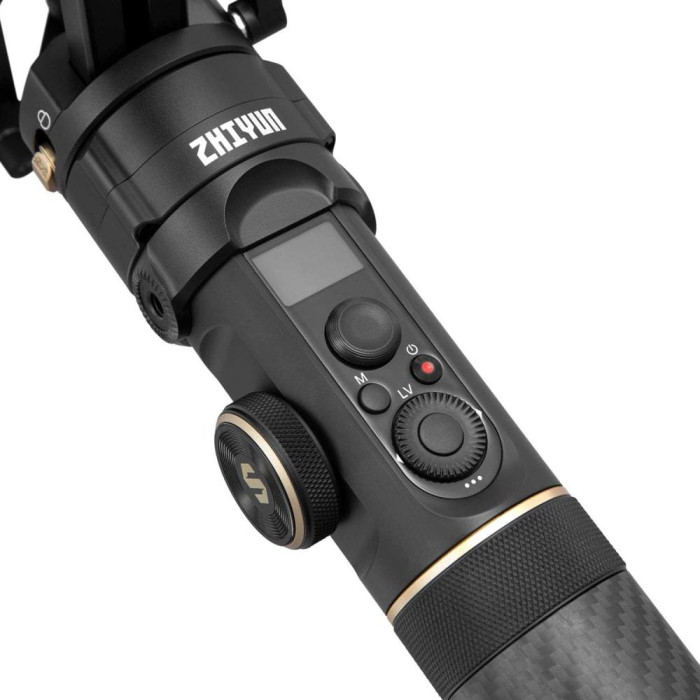
To activate the Crane 2S Pro stabilizer, place the camera on the platform and hold down the power button for 3 seconds. After which the stub is activated and balanced. In the settings menu, configure the ports. To turn on the transmitter, hold down the power button for 3 seconds and then turn on the camera. After this, the “connected” window will appear on the screen, a beep will sound and the blue indicator will turn on, which will be lit constantly if you are using the 5.2 GHz frequency. To switch the operating frequency, press the power button 3 times in a row, and to reset all settings - 5 times in a row.
To connect the transmitter, download the ZY Play application, turn on Bluetooth and Wi-Fi. In the application, find the Crane 2S Pro stabilizer and connect. Thanks to the application, you can control the camera.
The drive is installed on the mounting block on the quick-release platform and tightened. The drive can be installed on the left or right, but for better performance of the stabilizer and zoom, it is better to install the drive on the right side. Install the gear ring onto the lens, and then the drive, so that the teeth on the drive and ring match. Connect the cable and balance the stabilizer. When switched on, the drive is automatically activated.
The stabilizer is powered by a 18650 lithium-ion battery, which lasts for 12 hours of continuous shooting. Thanks to its simple design, the battery can be quickly replaced.
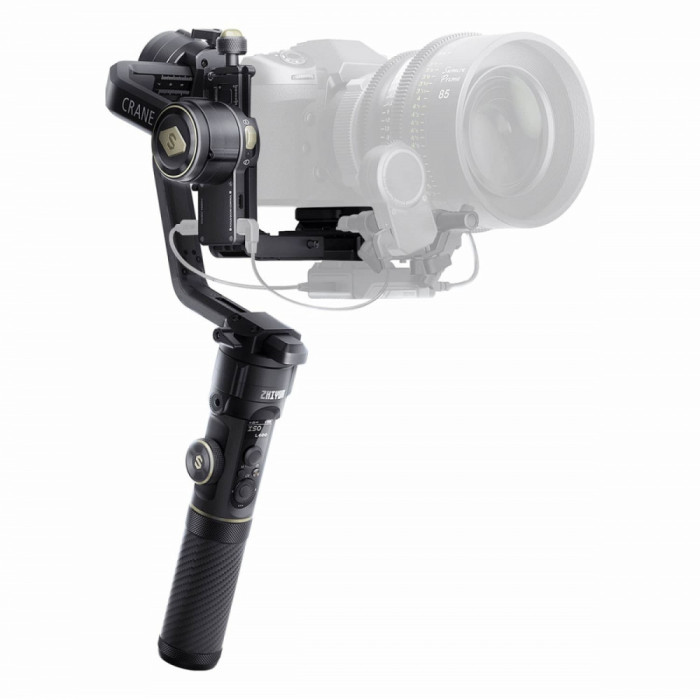
Zhiyun Crane 2S Pro comes with stabilizer, charger, three batteries, tripod, lens support, USB Type-C cable, camera control cable, compatible with Canon, Panasonic, Sony, 1/4" screw, hex keys, quick release platform, Quick release stand and protective case.
The Zhiyun Crane 2S Pro steadicam connects via Bluetooth 5.0. Supports the camera up to a maximum of 4.5 kg. Operating temperatures from -10° to 45°. The 2600mAh Li-ion battery lasts up to 12:00 continuous use. The weight of the steadicam is 1880 g, and the dimensions are 453 * 230 * 68 mm.
There are no reviews for this product.