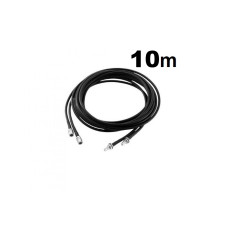
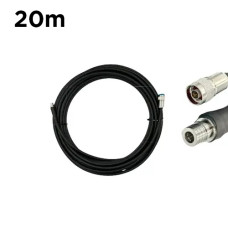
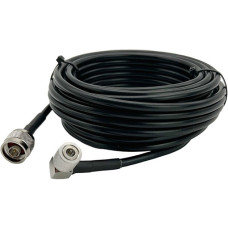
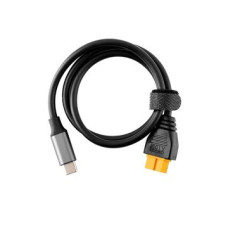
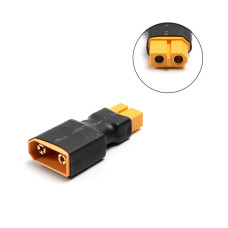
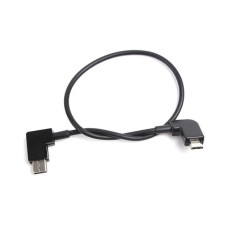
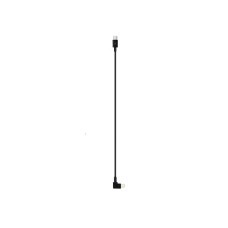
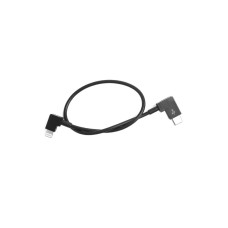
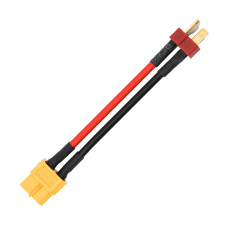
Data cable for quadcopter remote control
Quadcopter remote controls use different types of cables depending on the specific model and manufacturer. Here are some common types of cables that can be used to connect the quadcopter remote control:
- USB cable: Many quadcopter remotes support connection to a computer or mobile device via a USB cable. This cable usually has a standard USB Type A connector on one end and a remote-compatible connector on the other end (such as USB Micro-B or USB Type-C).
- Lightning cable: If you have a quadcopter remote that is designed to work with Apple devices, you may need a Lightning cable to connect the remote to your iPhone or iPad. Lightning cables have a Lightning connector on one end and a remote-compatible connector on the other end.
- HDMI cable: Some more advanced quadcopter remotes, such as DJI Phantom or DJI Inspire, may have an HDMI output, allowing you to connect the remote to an external monitor or video glasses. This requires a standard HDMI cable.
- Custom Cables: In rare cases, you may need a custom cable with connectors specific to your model of quadcopter controller. In such cases, you can contact the quadcopter manufacturer or a third-party cable manufacturer to obtain the appropriate cable.
It is important to make sure that the cable you choose matches your model of quadcopter remote control and has compatible connectors. It is recommended that you refer to the user manual or contact the controller or quadcopter manufacturer for connection details and recommended cables for your specific model.