Cart
Your shopping cart is empty!
It's never too late to make things right :)




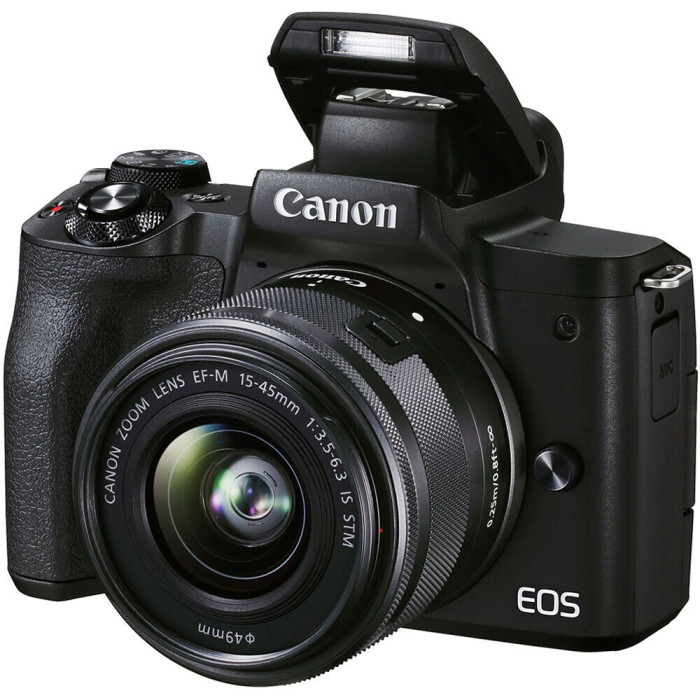
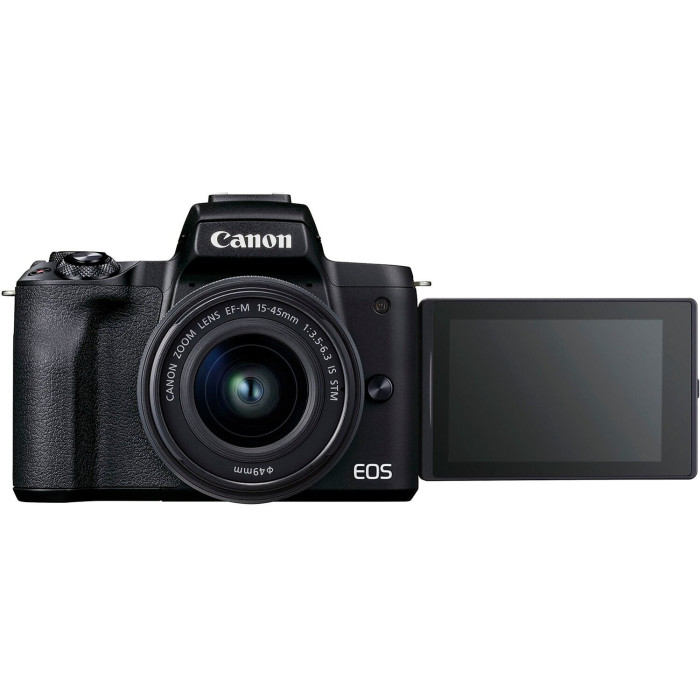
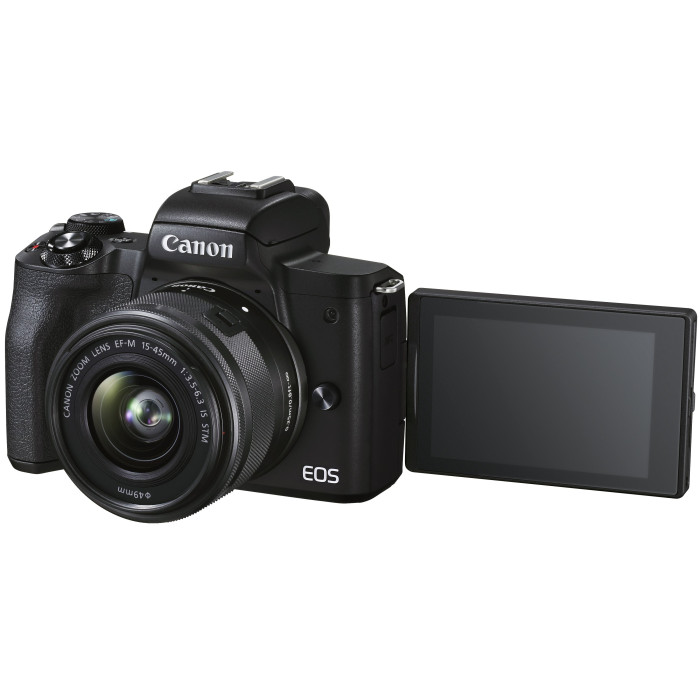
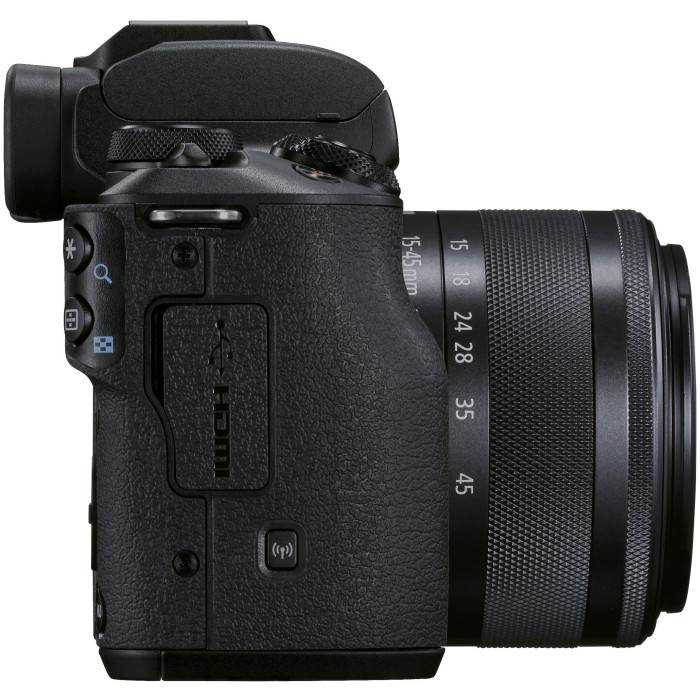
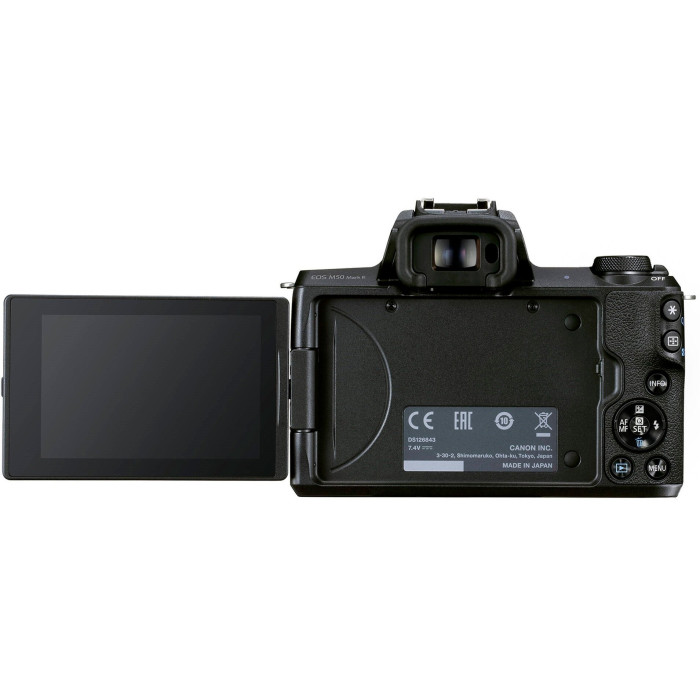

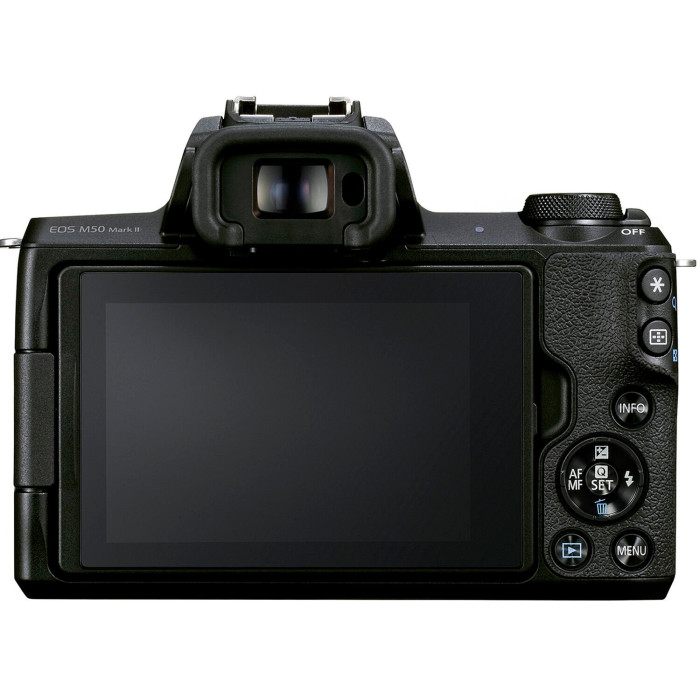


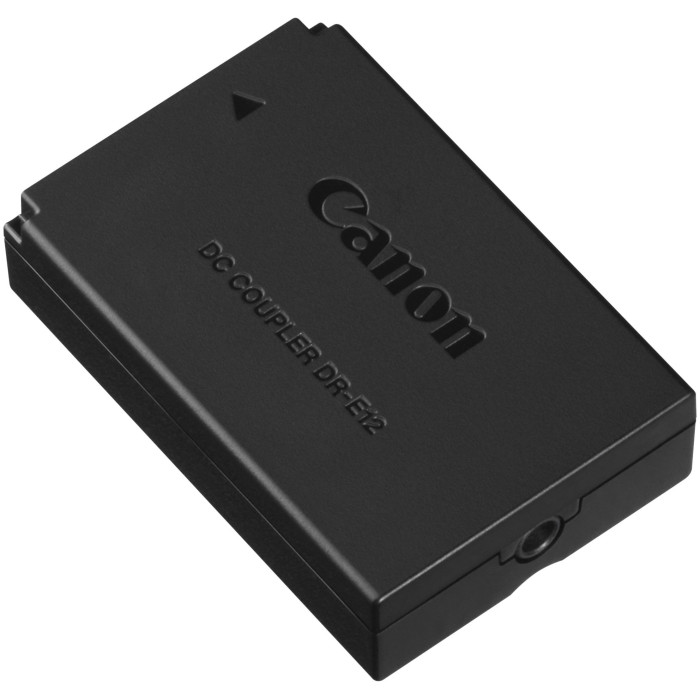


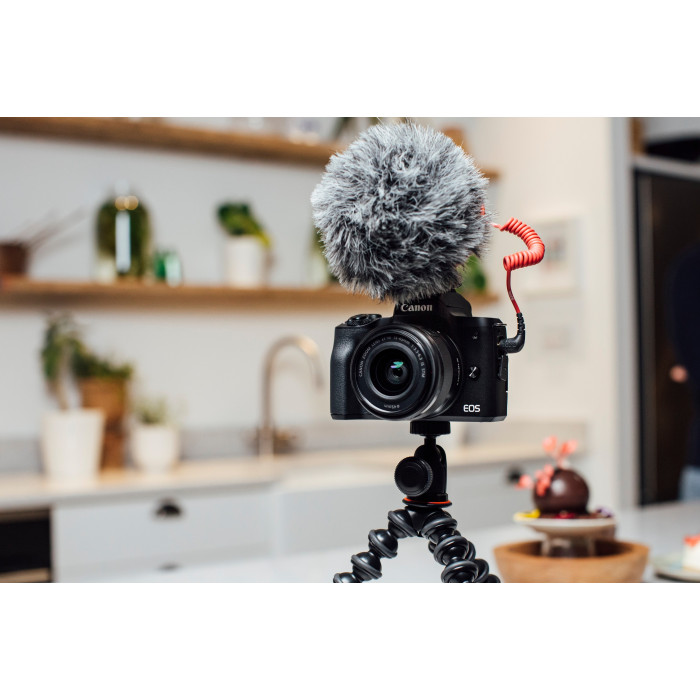


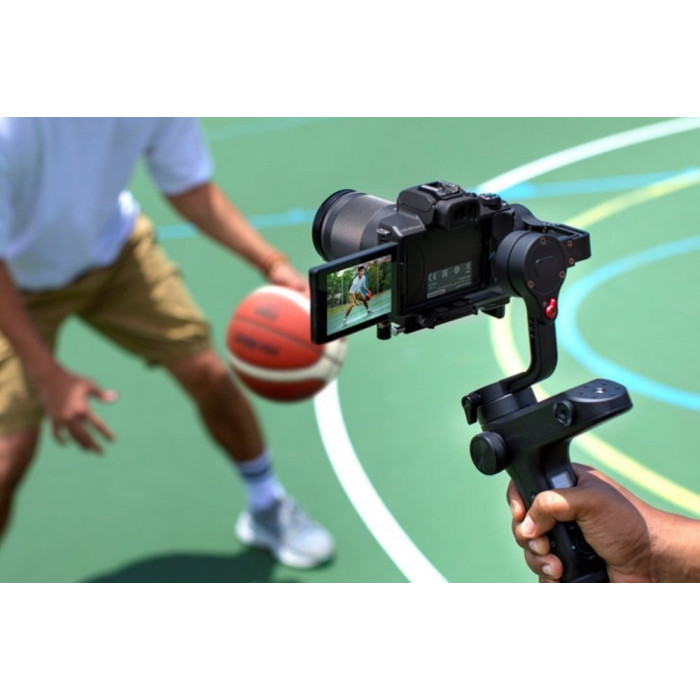




Digital camera Canon EOS M50 Mk2 + 15-45 IS STM Lifestream Kit Black 4728C059. Model Canon EOS M50 Mark II. Light compact system camera with wide capabilities. This is the best choice for Vlogs, Stories, creating photo and video content and broadcasts. The best solution for Instagram, IGTV and TikTok stories. Shoot vertical videos without additional conversion in good quality. This is the most current "Vlogs and broadcasts" format, and it is already present in your new camera.
Digital camera Canon EOS M50 Mk2 + 15-45 IS STM Lifestream Kit Black 4728C059.
Canon EOS M50 Mark II
Light compact system camera with wide capabilities. This is the best choice for Vlogs, Stories, creating photo and video content and conducting broadcasts.
The best solution for stories on Instagram, IGTV and TikTok
Shoot vertical videos without additional conversion in high quality. This is the most relevant Vlog and broadcast format, and it is already present in your new camera.
Stream videos to YouTube directly from your camera
The EOS M50 Mark II is capable of live streaming without additional equipment. The only thing you need is a Wi-Fi hotspot and a YouTube account.
The quality is 16 times higher than in compact cameras and smartphones
The area of the APS-C CMOS matrix is 16 times larger than in most compact cameras and smartphones. This guarantees excellent image quality indoors even with normal room lighting and outdoors at dusk or in cloudy weather.
Shooting is as easy as on a smartphone
Convenient control with a touch screen is clear to everyone who has shot on a smartphone at least once. There are all the usual tools, including creative filters and beauty effects for portraits. At the same time, there are wide possibilities and settings similar to professional Canon EOS cameras.
A light camera that is always with you
This compact and light camera can be taken with you every day so that you don't miss a single interesting shot or video.
Shoot vivid 4K videos
The EOS M50 Mark II shoots 4K video, which provides excellent detail. In addition to high resolution, the 4K format is necessary for some creative effects during processing, such as cropping.
Host broadcasts, webinars and simply communicate with the image quality of EOS Movie
Conventional webcams do not provide the capabilities and quality that can be easily achieved with a Canon system camera. So use the EOS M50 Mark II as a webcam with excellent image quality. To do this, connect it via USB to a PC or laptop and install the free program EOS Webcam Utility for Windows and Mac OS X https://www.canon.ua/cameras/eos-webcam-utility/
Slow down time
for a slow-motion effect, a frame rate of 120 fps is available with a resolution of 1280 x 720p and 60 fps for 1920 x 1080p.
Pump up the sound
Connect an external microphone to the 3.5 mm mini jack to get professional quality sound for your videos.
Unsurpassed selfie photos and videos
Not satisfied with the quality of the selfie camera of the smartphone? Take your EOS M50 Mark II, unfold the screen to yourself and shoot or broadcast! Surprise yourself with the quality of selfies with the additional features of the "Self-portrait" mode.
Stay focused
Advanced Dual Pixel CMOS AF technology tracks faces and eyes and keeps them in focus. This system will cope even in the twilight or in room lighting, when a smartphone, a regular camera or a web camera will search for a focus for a long time.
Discover new interesting angles with a fully rotatable display
The fully rotatable touchscreen display allows you to shoot from any viewing angle. This opens up interesting non-trivial angles and helps not to get lost among the same content. In addition, the design of fully rotatable displays in Canon EOS cameras is reliable among similar solutions.
Even more broadcasting options
A high-quality HDMI output port lets you output images to an external recorder or video capture card for even more video streaming capabilities.
Connect the camera to the smartphone
Share the shot, view photos and videos and control shooting remotely from your smartphone via Wi-Fi and Bluetooth. To do this, install the free Canon Camera Connect app for iOS and Android on your smartphone https://www.canon.ua/apps/canon-camera-connect/
Even more creativity with interchangeable EF-M and EF optics
Do you want to achieve a better effect of a blurred "bokeh" background, shoot great macros and videos, zoom in on distant objects or, on the contrary, fit everything around you into the frame? Canon EF-M interchangeable lenses are light and compact for these tasks, and the Canon EF to EF-M Mount Adapter provides full support for a wide range of Canon EF and EF-S optics.
Control the sharpness zone in the video manually
Focus translation during video is a great cinematic effect. This can be achieved by simply touching the touch screen. And for the maximum ease of manual focusing, there is a color selection function (MF Peaking), so such effects become available to everyone.
Shoot with external flashes and studio lights
More lighting schemes allow you to achieve interesting artistic effects and improve the quality of pictures. The Canon EOS M50 Mark II is equipped with a hot boot with support for the Canon E-TTL II protocol and a central sync contact. This allows you to use both excellent Canon Speedlite flashes and synchronizers, as well as connect the pulse light of any photo studio.
Don't miss a single move
Shooting sports and other fast, dynamic subjects places high demands on the camera. With a continuous shooting speed of up to 10 frames per second, you can be sure that no movement will pass you by. And good clarity will be provided by the autofocus system with Dual Pixel CMOS AF tracking.
Expand your photo editing capabilities
Editing photos? It's time to try the RAW file format or the lightweight C-RAW, which will allow you to preserve the maximum amount of information for extensive processing options. You can use any modern RAW converters or the free Canon Digital Photo Professional program. https://www.canon-europe.com/support/consumer_products/software/digital-photo-professional.html
Shoot remotely
In addition to remote shooting from your smartphone, you can control your EOS camera and shoot right from your PC or laptop. To do this, simply install the free EOS Utility. https://www.canon-europe.com/support/consumer_products/software/eos-utility.html And using any remote desktop program, you can shoot from any distance from the camera, the main thing is to have a fast Internet connection.
Shoot in complete silence
Sometimes the sound from the camera can interfere with the shooting process. And in some places shooting with shutter sound is prohibited altogether. The EOS M50 Mark II has a quiet shooting mode, so nothing will stop you from getting great shots in complete silence.
Learn and discover more features of the camera
Try different automatic and manual camera modes to achieve interesting creative effects. Discover more with the camera in your pocket with the free Canon Photo Companion app for iOS and Android. https://www.canon.ua/apps/photo-companion/
Canon EOS M50 Mark II is your choice!
Surprise with the image quality of the EOS M50 Mark II camera in your blogs and vlogs. Record video in 4K resolution. Take advantage of extensive features such as external microphone connection, support for interchangeable lenses, autofocus with Dual Pixel CMOS AF tracking, a wide range of manual and automatic modes, a high-quality HDMI output port and the ability to broadcast live to YouTube over Wi-Fi without additional equipment. Take vivid photos with a continuous shooting speed of 10 frames per second. It doesn't matter who you are - a vlogger, a streamer, a business coach, a traveler, or any creator of photo and video content. Canon EOS M50 Mark II is your choice!
There are no reviews for this product.